Building a Kiosk on a Multi-Tenant Platform
When an operator needed an unattended visitor check-in terminal, the right answer was to build outside the platform — deliberately. This post covers the architecture decisions behind the GetGround kiosk and why the most important one happened before writing any code.
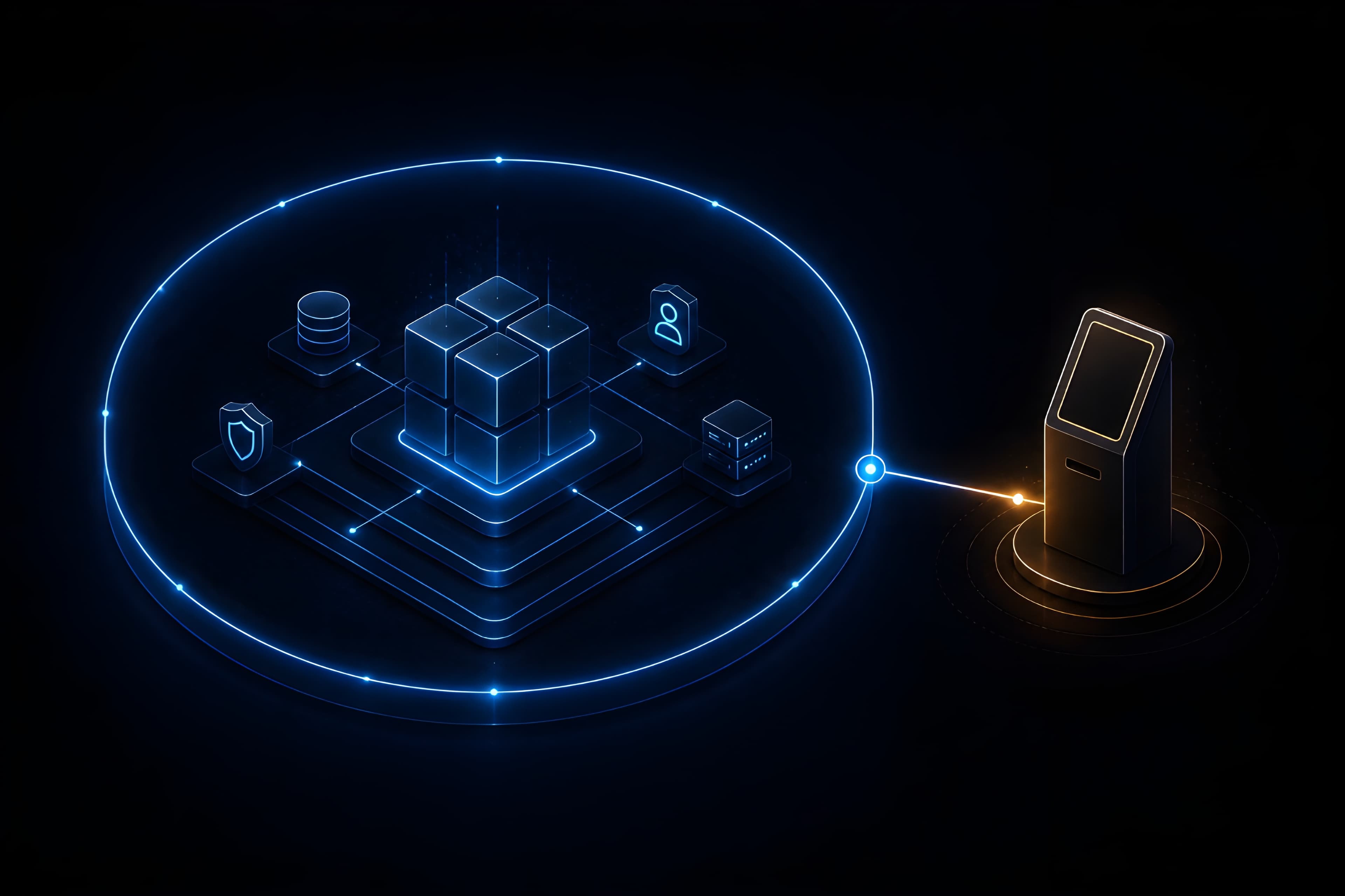
A platform is not a grid to fill in. It has a boundary, and knowing what sits outside that boundary — and designing for it explicitly — is as important as the platform itself. The GetGround kiosk is the clearest example of that principle I've encountered in six years on this codebase.
Key takeaways
- The right unit of isolation depends on who the actor is — the kiosk has no user, so user-centric tenant models don't apply
- Deployment architecture should match the feature's actual surface: static assets don't belong on a container cluster
- Operator onboarding cost is a design constraint, not a delivery metric — it should be decided at architecture time
Context
The GetGround platform is a multi-tenant, white-label building management system used by enterprise operators — LVMH, ENGIE, Wojo, and others — to run large office portfolios. The authenticated surfaces (web app, back-office, mobile) are all built around the same model: a user belongs to an operator, authenticates against a per-operator Cognito pool, and every request carries an operatorId in the JWT.
An operator (EnfinLundi) needed to add unattended visitor check-in at building reception. A visitor walking in has no account, no SSO, no operator context. The existing tenant model is entirely built around the assumption that the actor is an authenticated user. The kiosk breaks that assumption completely.
The operational need was narrow: visitor arrives, taps a fixed Android tablet, enters their name and their host's email, gets confirmed. Host receives a notification. Screen resets. That's the feature.
The constraint that wasn't negotiable: whatever gets built has to support every other operator with no code changes.
The Architectural Decision That Mattered Most
The temptation on a mature platform is to fit new surfaces into the existing tenant model. The existing model has authentication, per-operator config, and a well-understood deployment pattern. Reaching for it is the path of least resistance.
Here it was the wrong path.
The kiosk's tenancy requirement is structurally different. The shared platform authenticates users and scopes everything to them. The kiosk authenticates nothing — its operator identity comes from config, not from a principal. Forcing it into the Cognito + JWT flow would mean issuing machine credentials, managing service accounts per operator, and propagating a security model designed for human users onto a surface that has no users. The complexity cost is immediate; the security benefit is zero, because the kiosk endpoint can only create a visit and notify a host — both of which are already scoped to the operator's own data.
The decision: give the kiosk its own infrastructure topology, outside the authenticated platform, with operator identity resolved from config at runtime.
Concretely:
- One shared SPA bundle, one S3 bucket, one CloudFront distribution on
*.kiosk.g7d.ioper environment. - Per-operator config under
public/configs/{operatorSlug}/{buildingSlug}.json, served from the CDN. - Operator resolved from the subdomain at runtime (
enfinlundi.kiosk.g7d.io→enfinlundi); building from the path (/k/rungis). Together they pick the config. - A new unauthenticated NestJS controller (
/public/visits/check_in) that acceptsoperator_idandbuilding_idfrom the request body. Trust is implicit in the fact that the config files are served from infrastructure the operator can't write to. - Tenant isolation enforced server-side: host email lookup is scoped to the operator's user table, so the same address at two operators never cross-resolves.
Adding a new operator after v1: one JSON file per building, one DNS CNAME. Nothing else. No Cognito pool, no IAM role, no Stripe config — none of the per-tenant provisioning the authenticated platform requires. That was the intended payoff, and it's what the architecture was designed to produce.
Web App vs. Native Android
The device is a fixed Android tablet locked in kiosk mode at building reception. The question was whether to build a native app or a web SPA.
This was evaluated, not assumed. The factors that mattered:
The feature surface is one form. Native Android's leverage comes from hardware access — NFC, Bluetooth, deep OS integration. None of that was needed: the USB QR scanner (added in v2) emulates a standard keyboard, which works identically in any focused web page. No native bridge required.
The deployment model is the stronger argument. A hundred buildings tomorrow means a hundred config JSON files, not a hundred APKs. Updating copy or branding on the SPA is a git push and a CloudFront invalidation. The same change on a native app is a build, a signing pipeline, and a rollout to however many tablets are out there.
What was given up: hardware API access, offline support, Crashlytics-level crash reporting. None of those were in scope. Browser logs are acceptable for a single-form app with a known failure mode (network error → retry banner).
The Android kiosk browser (Fully Kiosk) handles fullscreen lockdown and auto-reload. There's no back button, no nav chrome, no way to leave the app — which are the only device-management properties the kiosk actually needs.
The Hard Problems
Detecting scanner input from a web page
Browsers expose USB HID barcode scanners as standard keyboards. There is no API that identifies which device a keystroke came from. The only available signal is timing: scanner keystrokes arrive in bursts with inter-key gaps of roughly 5–30 ms; human typing is 50–200 ms.
The useScannerInput hook sits as a keydown listener on document with capture: true, so it runs before any field handlers. It maintains a buffer of recent keystrokes and resets when the gap exceeds a configurable threshold. On Enter, if the buffer meets a minimum length, it's treated as a scan; the hook blurs any focused field, clears any partial value that leaked in, and emits the payload. Otherwise it resets.
The 50 ms threshold was the genuine unknown at implementation time. Too tight and a slightly slow scanner gets misread as typing; too loose and a fast typist with a long word triggers a false positive. Both threshold values are exposed as constants so they can be tuned against the actual hardware without touching logic. Degradation on misread is graceful: the form remains visible, the visitor types instead. A stuck UI was never acceptable on a terminal with no support staff.
QR payload encoding
For the v2 QR flow, each visitor's invitation email needed to carry a QR code that the kiosk could use to identify both the visit and the specific visitor. Three encoding options:
ref|email — no schema migration, reuses existing composite key, encodes PII. ref|visitor_id — no PII, but exposes an internal numeric ID. A per-visitor checkin_token column — cleanest semantically, smallest payload, but requires a schema migration and a new lookup index.
Chose ref|email. The QR is delivered to the visitor at their own address — the email is by definition known to them, so encoding it in their own QR doesn't expose it to anyone new. The composite key (visit.ref, visitor.email) already exists in the data model; reusing it costs nothing. The parser is trivial: split on |, validate the 8-character ref, basic email format check.
The token approach remains the upgrade path if a tenant ever requires PII-free QR codes — it's additive, and the current design doesn't preclude it.
The form/scanner UX decision
The original spec proposed a dual-mode UI: a default scan screen with a manual fallback, dedicated scan-error screens, and scanner-presence detection. This was rejected.
Scanner-presence detection isn't possible in a web app; surfacing a "scan mode" that can't verify the scanner is live is worse than no mode. More importantly, the visitor doesn't need to decide which input method to use. The form is universal; scanning is a shortcut. One screen, both inputs always active, no modes to switch between. On scan: blur active fields, submit by reference, success or a single error banner. The form never disappears.
Multiple distinct scan-error screens were also dropped. The recovery action in every failure case is the same — type your details — so different screens would add cognitive overhead without changing the outcome.
Trust boundary on a public endpoint
POST /public/visits/check_in is reachable by anyone who can resolve the API domain. The decision was how much hardening to apply before shipping.
The current state: no HMAC, no per-kiosk client secret, no rate limiting, no IP allowlist. The mitigation is in what the endpoint can do: create a CHECKED_IN visit and notify a host, where the host must already exist in the operator's user table. The notification surface is bounded to the operator's own employees. The visitor side has no identity validation, but neither did the manual check-in process this replaces.
Idempotency on QR check-ins (a replayed scan returns the already-checked-in state without re-notifying) bounds the spam surface on the v2 path.
The natural next step if abuse appears: per-kiosk JWTs minted at config-load time. That's additive — it doesn't change the protocol or the backend controller's shape.
Outcomes
Operator onboarding after v1 shipped: one JSON file per building, one DNS CNAME. The blast radius of the kiosk stack is contained: nothing in it can affect the platform's other surfaces, and vice versa. The only shared dependency is the backend API, which is the right place to share — visit data needs to live in one place.
The kiosk now supports v1 (manual check-in) and v2 (QR scan) flows, with the same deployment model throughout. EnfinLundi is live; the architecture is ready for the next operator without further development.
Tech Stack
- Frontend: Vite + React 19, Tailwind v4, custom i18n (FR/EN)
- Infrastructure: Terraform — Route53, ACM wildcard, S3, CloudFront with OAI, IAM CI deployer
- Backend: NestJS — new unauthenticated controller, new visit service methods, Pinpoint inline-image email support
- Runtime config: Per-operator JSON served from CDN, resolved via subdomain + path